Some links in this article are affiliate links. We may earn a commission if you sign up or make a purchase. This supports our content at no extra cost. As an Amazon Associate we earn from qualifying purchases.
So, What Exactly is ChatGPT? (And Why You Should Care)
As an AI productivity enthusiast, I get asked about ChatGPT almost daily. Is it a fad? Is it going to take our jobs? Is it just a fancier Google? The short answer is no, not yet, and absolutely not. Think of ChatGPT less like a search engine and more like a brilliant, lightning-fast intern who is eager to help with almost any text-based task you can imagine. But, like any intern, it needs clear instructions to produce great work.
At its core, ChatGPT is a Large Language Model (LLM). Forget the jargon for a second. All this means is that it’s been trained on a colossal amount of text from the internet. It has learned the patterns, context, and relationships between words so well that it can predict the next most logical word in a sequence. This predictive power is what allows it to write emails, draft articles, explain complex topics, and even generate code. It isn’t ‘thinking’ or ‘understanding’ in the human sense; it’s performing an incredibly sophisticated act of pattern matching. Understanding this distinction is the first step to truly mastering the tool and avoiding its common pitfalls.
Your First Conversation: A Practical Walkthrough
Jumping into ChatGPT for the first time can feel like staring at a blank page. The potential is huge, but where do you start? Let’s break it down into simple, actionable steps.
Free vs. Plus: Which One is for You?
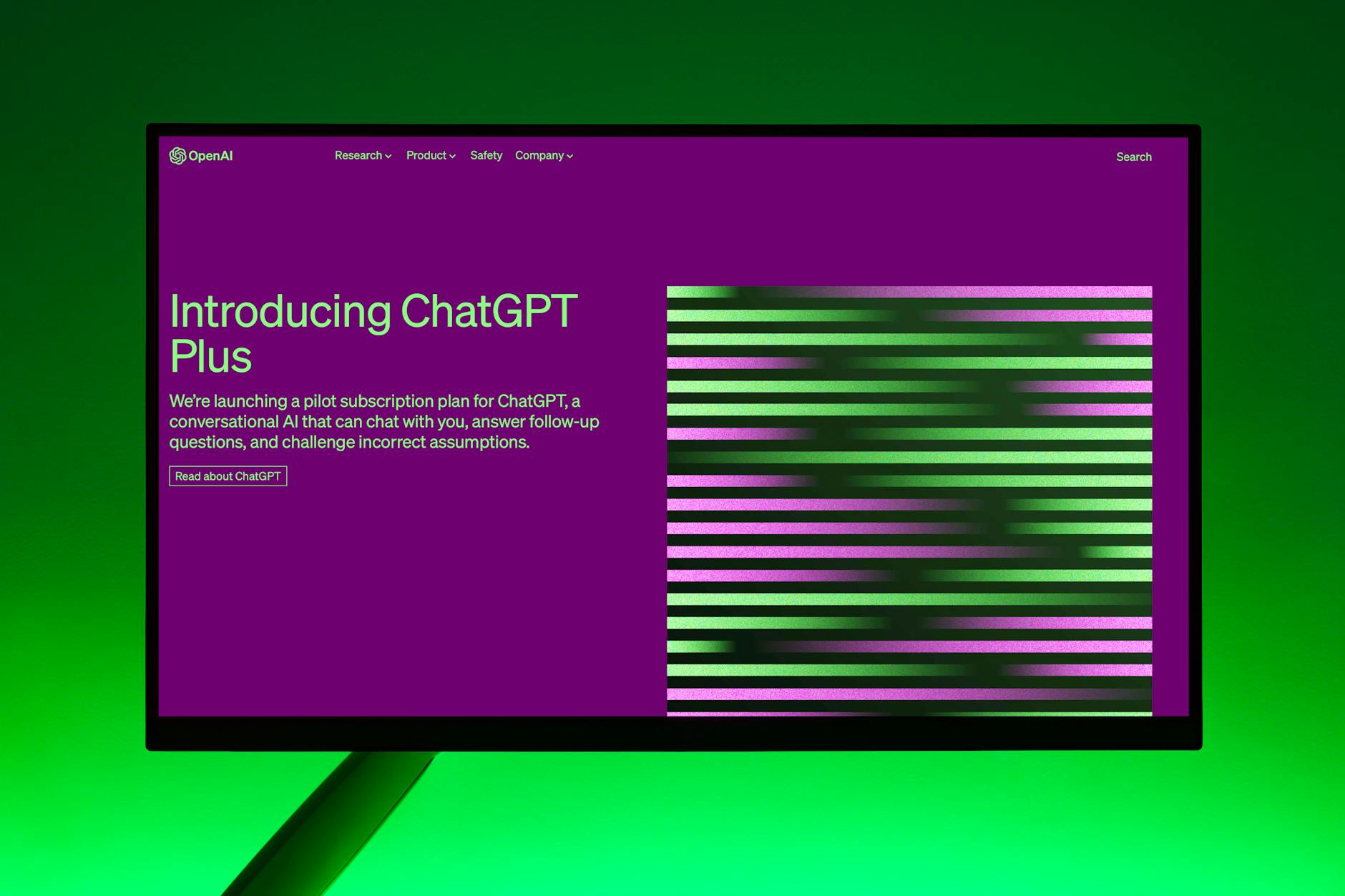
First, you’ll need an account at OpenAI‘s website. You’ll see two main options: the free version and the paid version, ChatGPT Plus. The paid version provides access to more powerful models, such as the GPT-4 family of models. As someone who tests everything, here’s my take:
- ChatGPT (Free): This is perfect for beginners. It’s incredibly fast and great for simple tasks like drafting a quick email, brainstorming ideas, or summarizing a short piece of text. Start here. Get a feel for it.
- ChatGPT Plus: This is where the real magic happens. The more powerful models available with a subscription, like GPT-4, are significantly more creative, reason better, and make fewer factual errors. You also get access to features like web browsing, DALL-E 3 image generation, and Advanced Data Analysis. If you plan to use ChatGPT for more than 15-20 minutes a day for professional work, the subscription is easily worth the investment.
Writing Your First Prompt: The Art of the Ask
The prompt is everything. A lazy, vague prompt will get you a lazy, generic response. A detailed, specific prompt will get you a tailored, high-quality result. This is the single most important skill to learn. Let’s look at a common example: writing a follow-up email after a meeting.
A Bad Prompt: “Write a follow-up email”
Why is it bad? It has no context. Who is it to? What was the meeting about? What are the next steps? ChatGPT will be forced to invent all these details, and the result will be unusable.
A Good Prompt:
“Act as a project manager. Write a professional and concise follow-up email to my client, Sarah at Acme Corp. We just had a 30-minute introductory meeting about our new marketing analytics project. Key discussion points were: their goal of increasing web traffic by 20% in Q3, their budget of, and their need for a project timeline. The agreed-upon next step is for me to send over a detailed project proposal by this Friday, EOD. The tone should be friendly but professional.”
See the difference? We’ve given it a role (project manager), a recipient (Sarah at Acme Corp), context (marketing analytics project), key details (goal, budget, timeline), a specific call to action (proposal due Friday), and a desired tone (friendly but professional). This is how you get from a generic template to a nearly-perfect draft in seconds.
From Simple Questions to Powerful Prompts
Once you’ve mastered the basic art of providing context, you can level up with a few techniques I use constantly to get a-grade results.
The ‘Act As’ Persona Prompt: Your Instant Expert
I used this in the example above, and it’s my go-to technique. By starting your prompt with “Act as a…” or “You are a…”, you prime the model to respond from a specific viewpoint, using the language and framework of that profession. This instantly improves the quality and relevance of the output.
- “Act as an expert SEO copywriter and suggest 10 blog post titles about sustainable gardening for beginners.”
- “You are a patient and encouraging fitness coach. Explain the benefits of compound exercises to someone who has never been to a gym.”
- “Act as a senior software engineer. Review this Python code for errors and suggest improvements for readability.”
Chain of Thought Prompting: Forcing Deeper ‘Thinking’
For complex problems, asking ChatGPT to give you just the final answer can lead to errors. Instead, ask it to “think step-by-step.” This forces the model to lay out its reasoning process, which often leads to a more accurate result and allows you to easily spot any logical flaws.
Example: “I need to plan a content marketing campaign to promote a new productivity app. Break down the process for me step-by-step, from initial research to post-launch analysis. Explain the ‘why’ behind each step.”
Iteration is Key: Refining Your Way to Perfection
Your first prompt rarely yields the perfect result. The real power comes from the conversation. Treat ChatGPT as a collaborator. Use follow-up prompts to refine the output.
- “That’s a good start, but can you make the tone more casual?”
- “Expand on point number 3 with some specific examples.”
- “Now, rewrite that for a 5th-grade reading level.”
- “Could you reformat that as a table with three columns: ‘Task’, ‘Owner’, and ‘Due Date’?”
This iterative process is how you transform a B-minus draft into an A-plus final product in just a few minutes.
5 Real-World ChatGPT Examples That Boost My Productivity
Theory is great, but how does this actually save me time? Here are five tasks I’ve offloaded to ChatGPT that save me hours every single week.
1. The ‘Email Machine’: Taming the Inbox
I used to spend ages wordsmithing important emails. Now, I give ChatGPT the bullet points and my desired tone, and it produces a professional draft in seconds. It’s a lifesaver for tricky situations like negotiating a deadline or politely declining a request.
My Prompt: “Draft a polite but firm email to a contractor. The project is 2 weeks overdue. Acknowledge that unforeseen issues can happen, but state that we need a new, concrete deadline by the end of today to adjust our launch schedule. Maintain a positive, collaborative tone.”
2. The ‘Idea Generator’: Curing Creative Block
Staring at a blank screen is a productivity killer. Whether I need blog post ideas, names for a new feature, or angles for a marketing campaign, I use ChatGPT as a brainstorming partner. The key is to give it constraints.
My Prompt: “I’m writing a blog post for busy professionals about the benefits of meal prepping. Generate 10 catchy, attention-grabbing headlines. The headlines should focus on either time-saving, health benefits, or money-saving aspects.”
3. The ‘Learning Accelerator’: Understanding Anything Faster
I often need to get up to speed on a new topic quickly. Instead of wading through dense articles, I ask ChatGPT to explain it to me like I’m a beginner or to summarize a long text, pulling out the key takeaways.
My Prompt: “I’m a marketer, not a data scientist. Explain the concept of ‘machine learning‘ using an analogy related to marketing. What are the 3 most important things I need to understand about it?”
4. The ‘Content Repurposer’: Multiply Your Efforts
Creating content is time-consuming. Repurposing it shouldn’t be. I regularly take a finished blog post and ask ChatGPT to transform it into other formats, maximizing its reach with minimal extra effort.
My Prompt: “Take the key points from the article text below and turn them into a 5-tweet Twitter thread. Include relevant hashtags. Make the first tweet a compelling hook.” [Paste article text here]
5. The ‘First Draft Robot’: Overcoming Inertia
For any writing task—a report, a proposal, a presentation script—the hardest part is starting. I now use ChatGPT to create a solid first draft. It’s never perfect, but it gives me a structure and foundation to work from, turning a 2-hour task into a 30-minute editing job.
My Prompt: “Create a detailed outline for a 1500-word blog post titled ‘The Ultimate Guide://www.techvizier.com/ai-writing-tools-your-ultimate-guide-to-content-creation/” class=”internal-link” title=”AI Writing Tools: Your Ultimate Guide to Content Creation”>Ultimate Guide to Remote Work Productivity’. Include an introduction, 4 main sections with sub-points, and a conclusion with a call to action.”
Knowing the Limits: Where ChatGPT Falls Short
As much as I love it, ChatGPT is not infallible. Using it effectively means knowing its weaknesses and being a critical, human supervisor.
The Hallucination Problem: When AI Makes Things Up
ChatGPT will sometimes state incorrect information with absolute confidence. It can invent facts, statistics, quotes, or sources. This is called ‘hallucination’. Never, ever trust its output for factual information without verifying it from a reliable source. It’s a creative partner, not a research database.
Bias and Outdated Information
The model was trained on data from the internet, which contains a wide range of human biases. These biases can be reflected in its responses. Furthermore, the free version’s knowledge is not always up-to-date. It won’t know about very recent events, so don’t ask it for today’s news.
Why You’re Still the Expert
Ultimately, ChatGPT is a tool. It has no real-world experience, no ethics, and no genuine understanding. It can’t replace your critical thinking, your strategic insight, or your domain expertise. Use it to handle the 80% of grunt work, freeing you up to focus on the 20% that requires your unique human intelligence.
Your Turn: Start Your AI-Powered Journey
We’ve covered a lot, from the basics of what ChatGPT is to advanced techniques and real-world workflows that can genuinely save you hours. The key takeaway is this: ChatGPT‘s power isn’t in the tool itself, but in how you use it. It rewards curiosity, specificity, and collaboration.
Don’t be afraid to experiment. Start with a small, low-stakes task. Try to write an email or brainstorm some ideas. Refine your prompts. See how it responds. The more you use it, the more you’ll discover how to integrate this incredible technology into your own life and work.
Now I want to hear from you. What’s the first task you’re going to try with ChatGPT? Share your experience or ask a question in the comments below!