Some links in this article are affiliate links. We may earn a commission if you sign up or make a purchase. This supports our content at no extra cost. As an Amazon Associate we earn from qualifying purchases.
From Words to Wonders: My Journey with AI Image Generators
As someone who lives and breathes productivity tools, I’m constantly on the lookout for the next big thing. And let me tell you, AI image generators are it. The first time I typed “a photorealistic portrait of a cat wearing a tiny crown” and saw a masterpiece appear seconds later, I was hooked. It felt like magic. But beyond the fun, these tools have become a core part of my creative workflow.
If you’ve been curious but a little intimidated, you’re in the right place. Forget the complex jargon. I’m here to give you a practical, hands-on guide to what these tools are, which ones are worth your time, and how you can start using them to create incredible visuals today.
So, What Exactly Are AI Image Generators?
Think of them as your personal, on-demand artist. You provide a text description of what you want to see—this is called a “prompt”—and the AI uses its vast training on billions of images and text pairs to create a brand-new, original image based on your instructions. It’s not just grabbing and stitching together existing photos; it’s generating something entirely unique from its understanding of concepts, styles, and objects.
I use them for everything from creating custom blog post headers and social media graphics to quickly visualizing a concept for a presentation. The days of spending ages scrolling through stock photo websites for that *perfect* (but generic) image are quickly fading.
The Tools I Actually Use: A Quick Rundown
There are a ton of options out there, but these are the ones that I keep coming back to for their power and unique strengths. Each one has a slightly different personality.
Midjourney: The Artist
If you want something beautiful, artistic, and often breathtaking, Midjourney is your go-to. It excels at creating painterly, stylized, and imaginative scenes. Its interface runs through Discord, which can feel a bit strange at first, but the community is fantastic and the quality of the images is second to none. It’s my top choice for anything that needs to look like a piece of art.
DALL-E 3 (via ChatGPT): The Realist
For photorealism and following complex, detailed instructions, DALL-E 3 is a powerhouse. Because it’s integrated directly into ChatGPT Plus, the prompting process is incredibly conversational. You can ask it to make tweaks and changes just like you’re talking to a human designer. It’s also surprisingly good at generating images that include legible text, which is a common stumbling block for other models.
Stable Diffusion: The Power User’s Dream
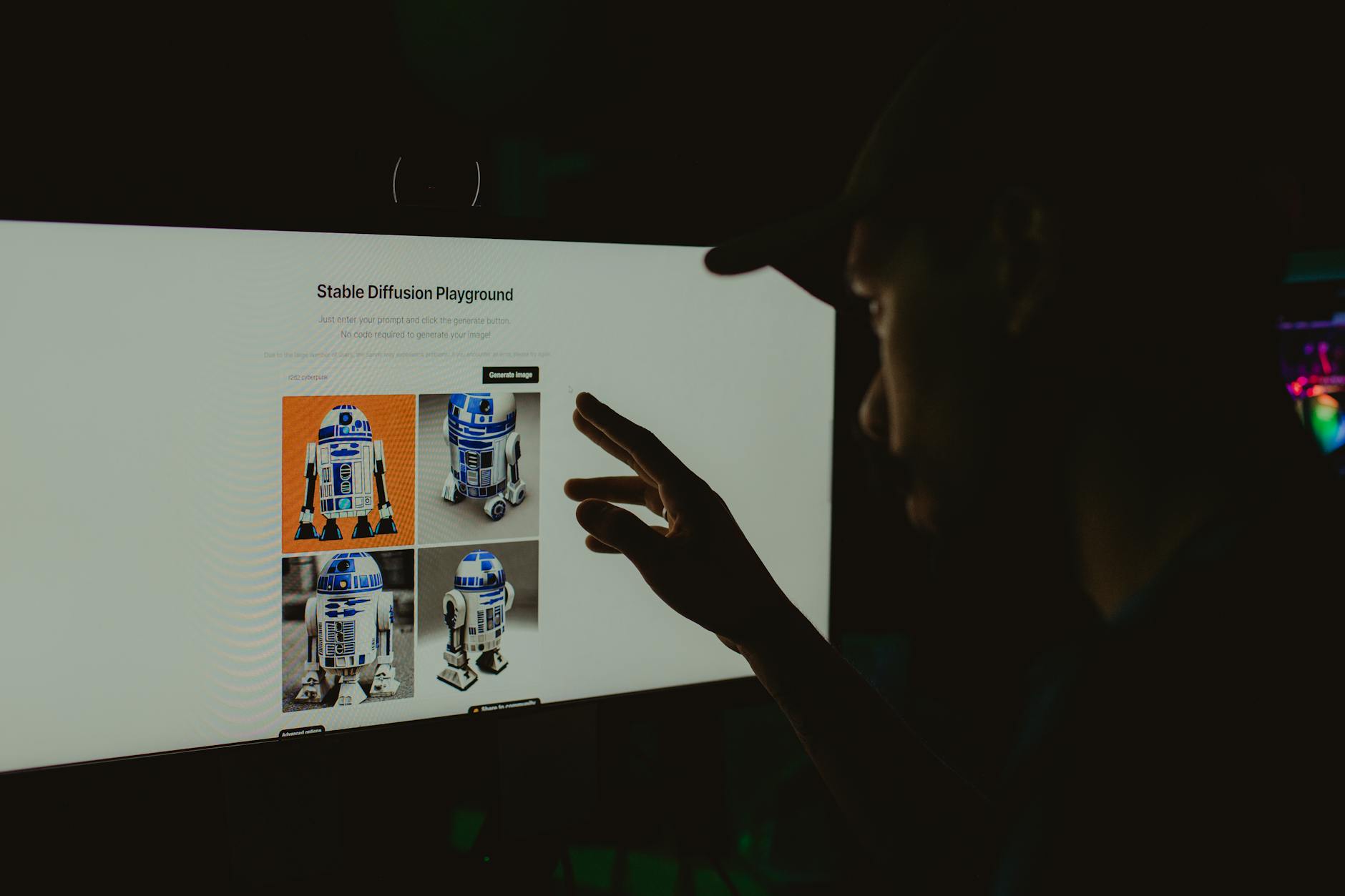
This is the open-source, highly customizable option for people who love to tinker. You can run it on your own computer (if you have a powerful enough graphics card) and use countless community-built models to achieve very specific styles. The learning curve is much steeper, but the level of control you have is unparalleled. It’s perfect for when you need absolute precision.
My Top Tips for Writing Better Prompts
The secret to getting great results lies in the quality of your prompts. The AI can’t read your mind, so you need to be its eyes. Here are a few simple rules I follow:
- Be Hyper-Specific: Don’t just say “a car.” Say “a vintage red 1960s convertible sports car driving on a coastal road at sunset.” The more details, the better.
- Define the Style: This is a game-changer. Add terms like “impressionist oil painting,” “cyberpunk cityscape,” “vector logo illustration,” “studio photograph,” or “3D render” to guide the aesthetic.
- Set the Scene: Think like a director. Mention the lighting (“dramatic cinematic lighting,” “soft morning light”), the camera angle (“wide-angle shot,” “macro close-up”), and the mood (“serene,” “chaotic,” “futuristic”).
- Iterate, Iterate, Iterate: Your first prompt is rarely your last. Look at what the AI gives you and think about how you can refine your prompt to get closer to your vision. Try adding, removing, or rephrasing key terms.
The Future is Visual (and AI-Powered)
AI image generators are more than just a novelty; they’re a fundamental shift in how we create and interact with visual content. They’re breaking down creative barriers, allowing anyone to bring their ideas to life, regardless of their artistic skill. Whether you’re a marketer, a blogger, a small business owner, or just someone with a vivid imagination, I highly encourage you to jump in and start experimenting. The possibilities are truly endless.