Some links in this article are affiliate links. We may earn a commission
if you sign up or make a purchase. This supports our content at no extra cost.
As an Amazon Associate we earn from qualifying purchases.
A 2026 Look at Amazon’s E-Ink Notebook
It’s 2026, and the digital productivity space is more crowded than ever. The Kindle Scribe, Amazon’s first foray into e-ink notebooks, has now been on the market for several years. With countless software updates under its belt, the core question remains: does its focused, distraction-free approach to reading and writing still hold value against more powerful, versatile tablets? As someone who tests productivity gadgets for a living, I’ve spent the last month re-evaluating the Scribe to find out.
Our top picks
- Kindle PaperwhiteCheck price on Amazon
- ChatGPT Mastery BookCheck price on Amazon
- Clean Code & Software Engineering BooksCheck price on Amazon
Overview
TL;DR Verdict
Yes, the Kindle Scribe is absolutely worth it in 2026 for its target audience: dedicated readers, students, and professionals who want a superior digital paper experience without distractions. While it can’t replace a multi-purpose tablet, its exceptional E-Ink display and refined note-taking software make it the best tool on the market for focused work, reading, and annotating documents.
Kindle Scribe vs. The Alternatives (2026)
| Feature | Kindle Scribe | Apple iPad 11-inch | Apple 2026 MacBook Air 13-inch Laptop with M5 chip |
|---|---|---|---|
| Best For | Distraction-free reading & handwritten notes | Media consumption & creative versatility | Heavy-duty productivity & multitasking |
| Display | 10.2″ 300 ppi Paperwhite E-Ink | 11″ Backlit Liquid Retina LCD | 13.6″ Backlit Liquid Retina LCD |
| Key Strength | Feels like paper, no eye strain, weeks of battery | Massive App Store, vibrant color, video | Full desktop OS, powerful M5 processor, physical keyboard |
| Main Drawback | No color, limited app ecosystem | Backlit screen causes eye fatigue, daily charging | Not designed for handwriting; less portable |
How We Evaluated
To determine the Kindle Scribe’s 2026 value, we focused on four key areas that matter most to users of e-ink devices:
- Note-Taking Experience: We assessed writing latency, pen accuracy, and the usefulness of the software tools. How close does it feel to writing on real paper?
- Reading Comfort: We conducted multi-hour reading sessions to evaluate eye strain compared to backlit LCD screens.
- Software Ecosystem & Integration: We tested how well Amazon’s software updates have improved notebook organization, PDF annotation, and syncing across devices.
- Value Proposition: We compared its price and focused feature set against versatile tablets and other productivity tools available today.
The Scribe Experience in 2026
The Kindle Scribe’s hardware has aged gracefully. The large 10.2-inch, 300 ppi E-Ink screen is still the gold standard for reading text. It’s crisp, glare-free, and, thanks to the warm light feature, incredibly comfortable on the eyes for hours. The aluminum body feels premium, and it remains surprisingly light for its size.
What has really changed is the software. At launch, the Scribe felt a bit basic. Today, after numerous updates, it’s a much more capable tool. We now have folders for organizing notebooks, improved navigation, and better PDF handling. The ability to send articles and documents directly to the Scribe for annotation is seamless and has become a core part of my workflow for reviewing research papers and drafts.
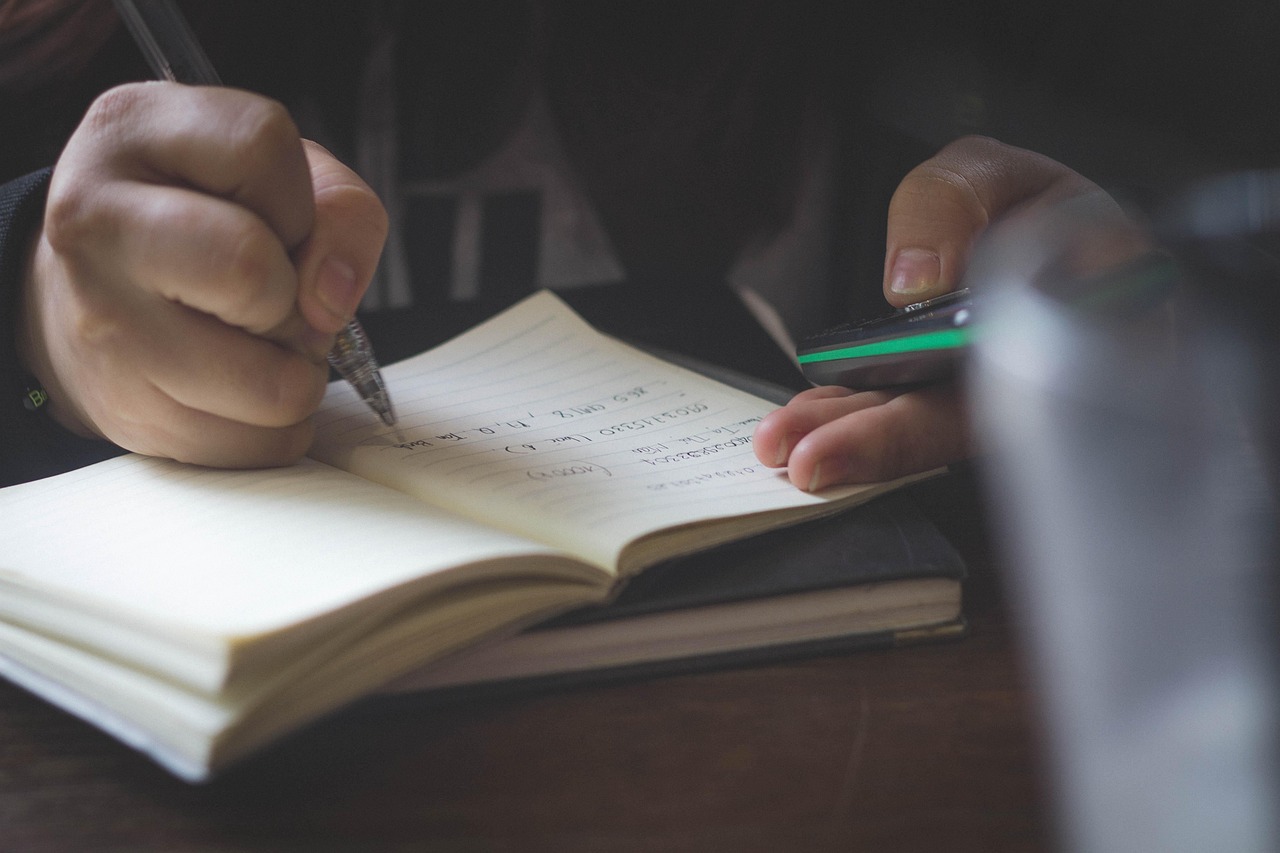
Writing with the Premium Pen is a joy. The slight friction of the nib on the E-Ink surface mimics the feel of paper in a way that writing on the glass of an iPad never can. This tactile feedback is crucial for long note-taking sessions. I used it extensively while working through the dense material in the ChatGPT Mastery Book, and being able to jot notes directly in the margins without switching devices was a game-changer for my focus and retention.
Where Does It Fit in a Productivity Setup?
The Kindle Scribe is not an iPad-killer, nor is it meant to be. It’s a specialized tool. The Apple iPad 11-inch is a fantastic device for watching videos, browsing the web, and creative work in Procreate. But for deep reading and focused note-taking, its backlit screen and constant notifications are liabilities. The Scribe wins by subtraction—it removes the distractions.
Similarly, for intense work sessions involving spreadsheets, coding, or video editing, my go-to is the Apple 2026 MacBook Air 13-inch Laptop with M5 chip. It’s an AI-powered workhorse. But I would never curl up on the couch to read a book on it. The Scribe fills that specific niche between a full-power laptop and a do-everything tablet. It is a digital legal pad, a distraction-free library, and an annotation station all in one.
Final Verdict
In 2026, the Kindle Scribe has matured into an excellent, focused productivity device. Amazon’s continued software support has transformed it from a promising gadget into an essential tool for anyone who reads and writes extensively. If you’re looking for a single device to watch movies, play games, and take notes, get an iPad. But if you value deep focus and the best possible digital reading and writing experience, the Kindle Scribe is still the undisputed champion of its category.
Frequently Asked Questions
Can the Kindle Scribe replace a laptop or iPad?
No, not at all. The Scribe is a dedicated e-reader and digital notebook. It lacks the processing power, app ecosystem, and color display for tasks like web browsing, video streaming, or complex productivity work.
How good is the handwriting-to-text conversion?
It has improved significantly since launch and is now quite accurate for clean handwriting. You can easily convert a page of notes and email it to yourself as a text file, which is a very useful feature for digitizing meeting minutes.
Is the Premium Pen worth the extra cost?
Absolutely. The dedicated eraser on the end of the Premium Pen is a huge quality-of-life improvement over flipping the standard pen around to select the eraser tool. It makes the writing experience feel much more natural and fluid.